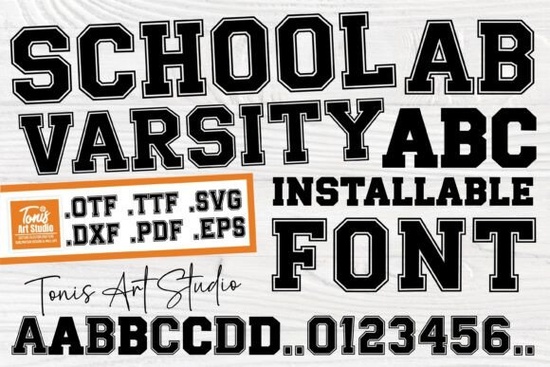
If you're looking for a bold, sporty typeface that works equally well on school spirit gear, custom t-shirts, or DIY vinyl decals, the School Varsity Font is a straightforward choice. It’s not overly decorative or trendy instead, it delivers clean, confident lettering with classic varsity energy. Uppercase letters feature a crisp outline (think letterman jackets), while lowercase characters are solid and legible, making it practical for longer phrases or mixed-case layouts. It’s especially useful if you design for schools, youth sports teams, or small businesses launching branded merchandise.
When does School Varsity Font work best?
This font shines where clarity and character matter at a glance. Because the uppercase letters have that strong outlined style, they hold up well on fabric, signage, and large-format prints even from a distance. The solid lowercase helps balance readability in subtitles, slogans, or taglines. It’s also included in popular cut file formats (.svg, .dxf, .png with transparent background), so if you use a Cricut, Silhouette, or other cutting machine, you can import and cut it directly without extra tracing or vector cleanup.
For example:
- A high school booster club ordering spirit wear for football season
- A print-on-demand seller adding fresh designs to their back-to-school collection
- A parent crafting personalized backpack tags or classroom banners
- A local gym or rec center designing team shirts for youth leagues
How does it compare to other display fonts?
Unlike script or handwritten styles, School Varsity Font leans into structure and presence. It’s more grounded than something like the Rainbow Memories Font, which has a soft, nostalgic flow, and less ornate than the Fishtail Monogram Font, which is built for elegant initials. If you’ve used the Retro Magic Font for vintage posters, you’ll notice School Varsity keeps that same visual impact but swaps retro curves for athletic sharpness. And while the Dirty Strong Font adds grunge texture, School Varsity stays crisp and versatile across both digital and physical outputs.
What do crafters and designers actually use it for?
Real-world usage includes:
- T-shirt designs for school fundraisers (e.g., “Lincoln High ’24” or “Varsity Track Team”)
- Vinyl decals for lockers, water bottles, or notebooks
- Classroom door signs, bulletin board headers, or yearbook section titles
- Digital social media graphics for school events or club announcements
- Embroidery-ready text when paired with simple stitch settings
Is it beginner-friendly?
Yes if you’ve used fonts in Cricut Design Space or Silhouette Studio before, this one behaves predictably. No hidden layers, no overlapping paths in the default version, and no need to convert to outlines manually (though you always can, if your workflow requires it). The included .svg files are optimized for cutting machines, and the .ttf/.otf versions install cleanly on Windows and macOS. You don’t need advanced typography knowledge to get good results. Just pick a size, adjust tracking if needed, and go.
One tip: For best results on fabric, pair School Varsity Font with a bold, neutral color navy, crimson, forest green, or black. Avoid thin strokes or light backgrounds unless you’re using it oversized. And if you’re layering it over photos or textured backgrounds, consider adding a subtle white stroke or shadow in your design software to keep the outline visible.
If you enjoy this style, you might also like the Good Vibes Only Duo Font for contrast it pairs well as a secondary script for slogans or names alongside School Varsity’s strong headings.
Before downloading or purchasing:
- Check the license this version includes commercial use rights for physical products and digital designs
- Confirm your cutting machine supports the included file types (.svg works with most; .dxf is ideal for older Silhouette models)
- Test a single letter first at your intended size to verify spacing and cut accuracy
- Save a copy of the original files separately especially if you plan to modify outlines later
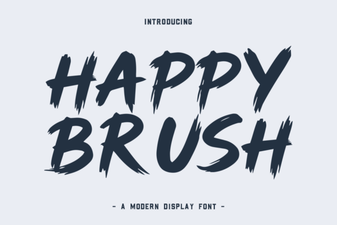 Happy Brush Font: Design Playfulness & Creative Uses
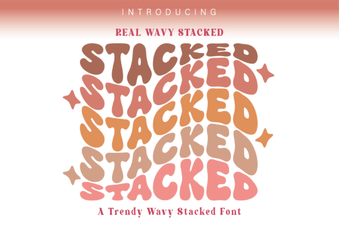 Real Wavy Stacked Font Ideas for Creative Projects
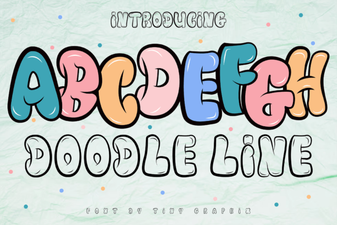 Creative Doodle Line Fonts for Diy Projects
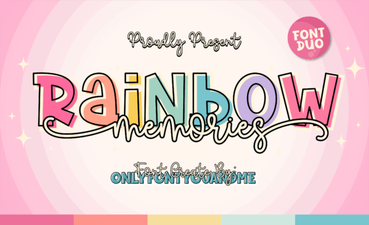 Rainbow Memories: a Font for Creative Projects
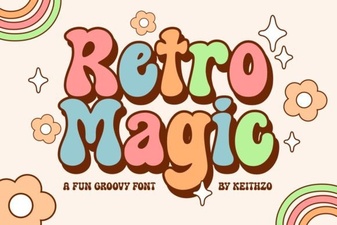 Retro Magic Fonts: Design Ideas & Creative Uses
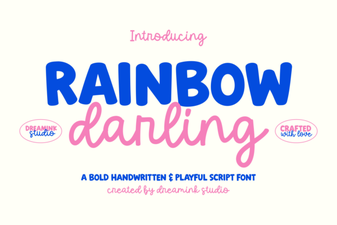 Rainbow Darling Duo: a Creative Font Pairing Guide